system.file("ex/elev.tif", package="terra")Lesson 2: Raster Operations
Important
- Try this without AI first — struggle builds understanding.
- Ask if you are stuck. Asking builds understanding too!
Tasks
Task 1
The following command returns the path to a tif file on your hard drive:
Use this path to import the tif file using rast(), store it as r. It contains the elevation of Luxembourg.
Task 2
Calculate the (global) mean, maximum and minimum elevation values.
              mean max min
elevation 348.3366 547 141
Task 3
Calculate slope and aspect (see terrain functions)
Task 4
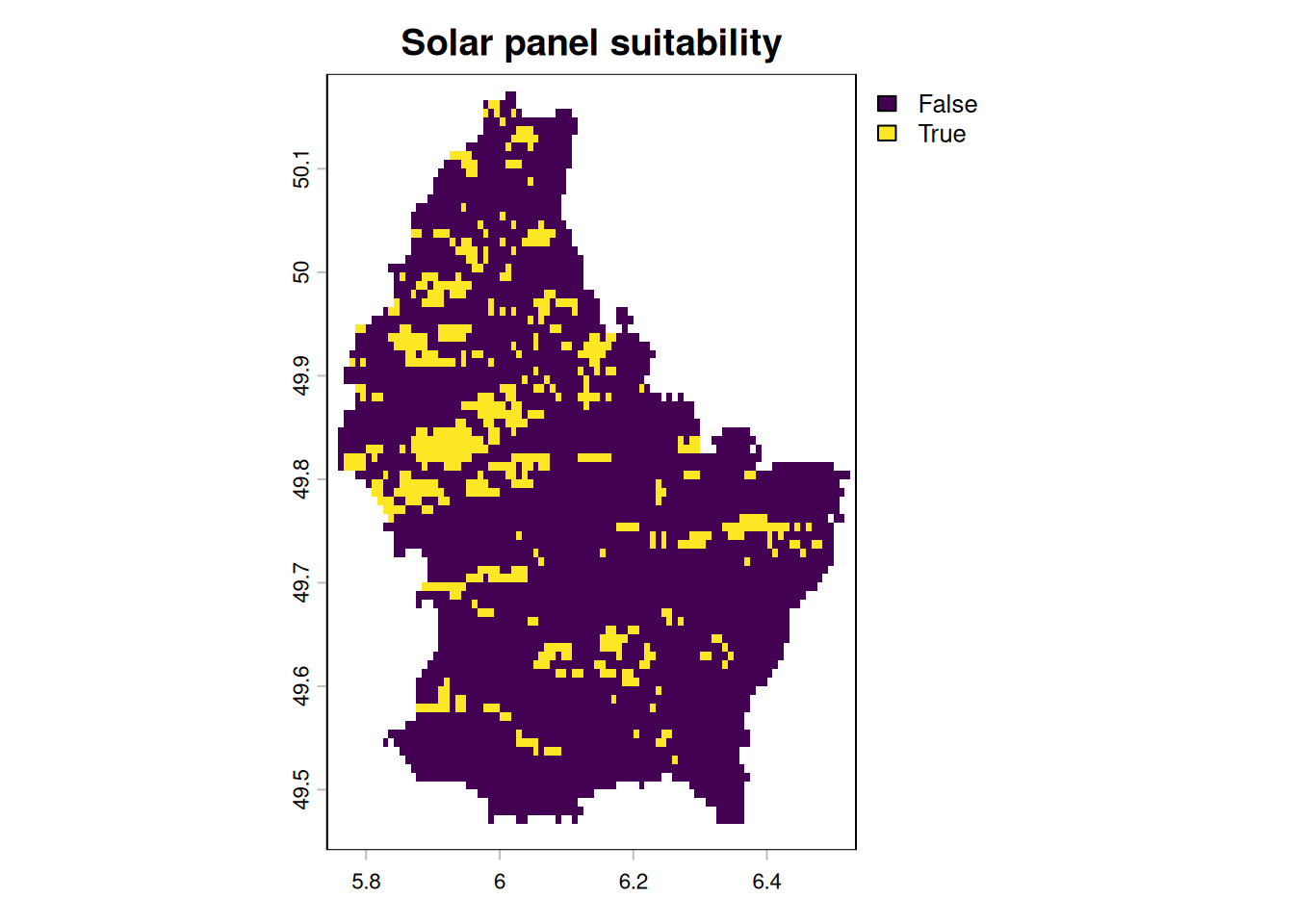
Determine suitable locations of solar panels using the following conditions:
- Elevation: above 300 MASL
- Slope: Between 1 and 3°
- Aspect: Southfacing (between 135 and 235°)
Task 5
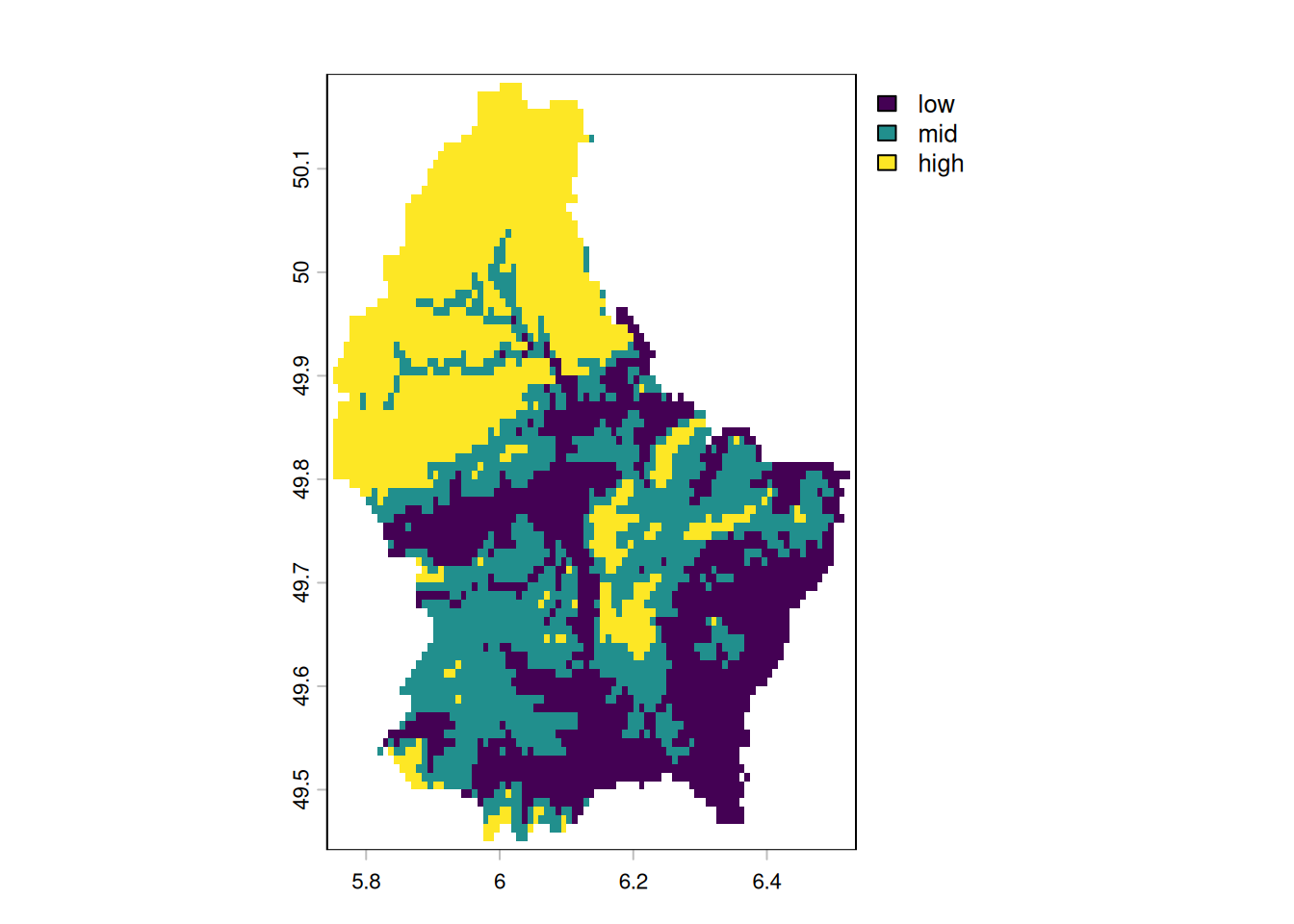
Reclassify the elevation raster into three categories using classify():
- Low: below the 33rd percentile
- Mid: between the 33rd and 66th percentile
- High: above the 66th percentile
Use global() with quantile to compute the cut points.
Task 6
Import the municipalities of Luxembourg and calculate the minimum, maximum, and mean elevation per municipality. Then visualize the mean elevation per municipality as a map.
library(tmap)
lux <- system.file("ex/lux.shp", package="terra") |>
  vect()
zones <- rasterize(lux, r, "NAME_2")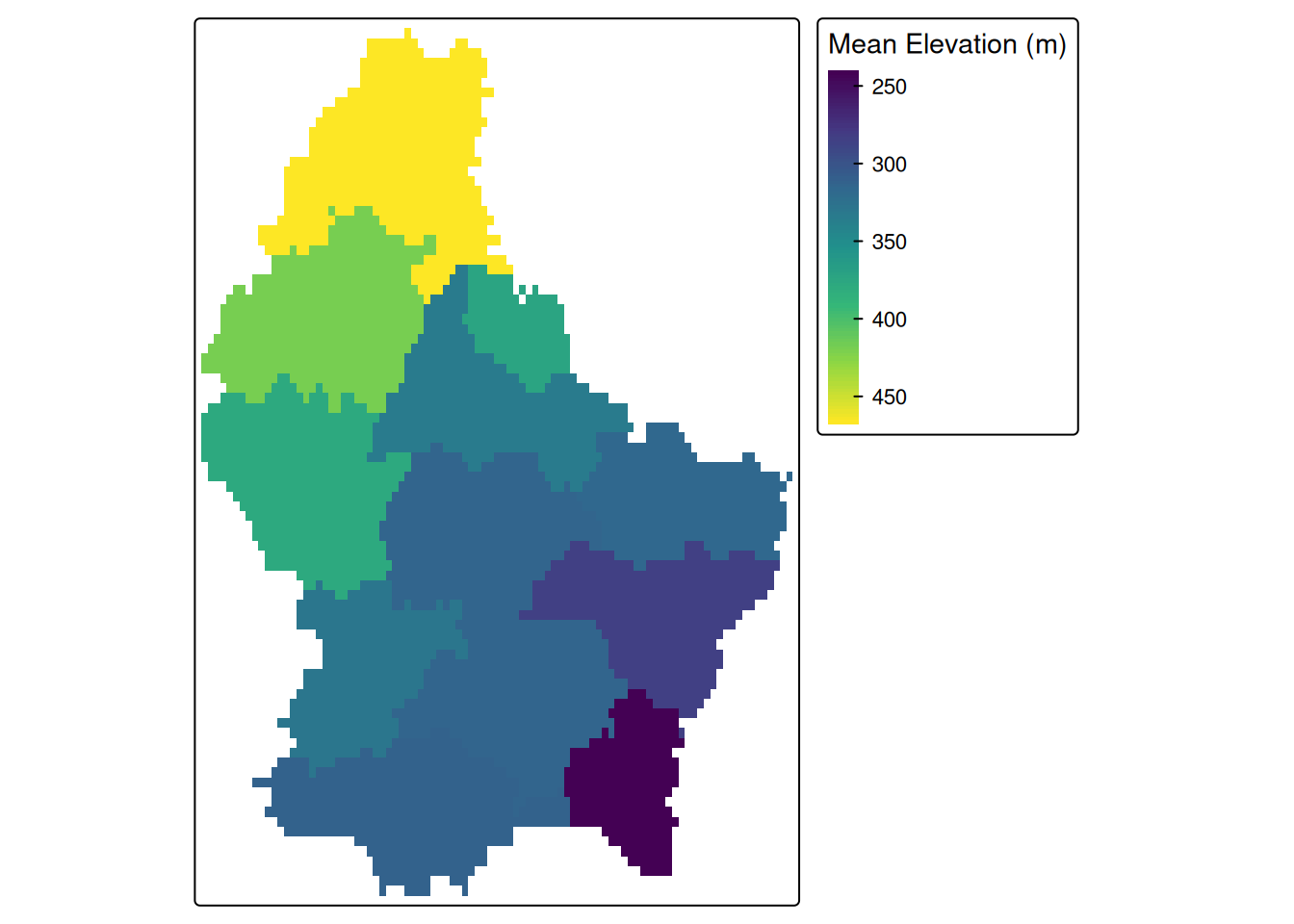
Task 7
Smooth the elevation raster using a 3×3 and an 11×11 mean focal window. Compare the two results visually side by side.
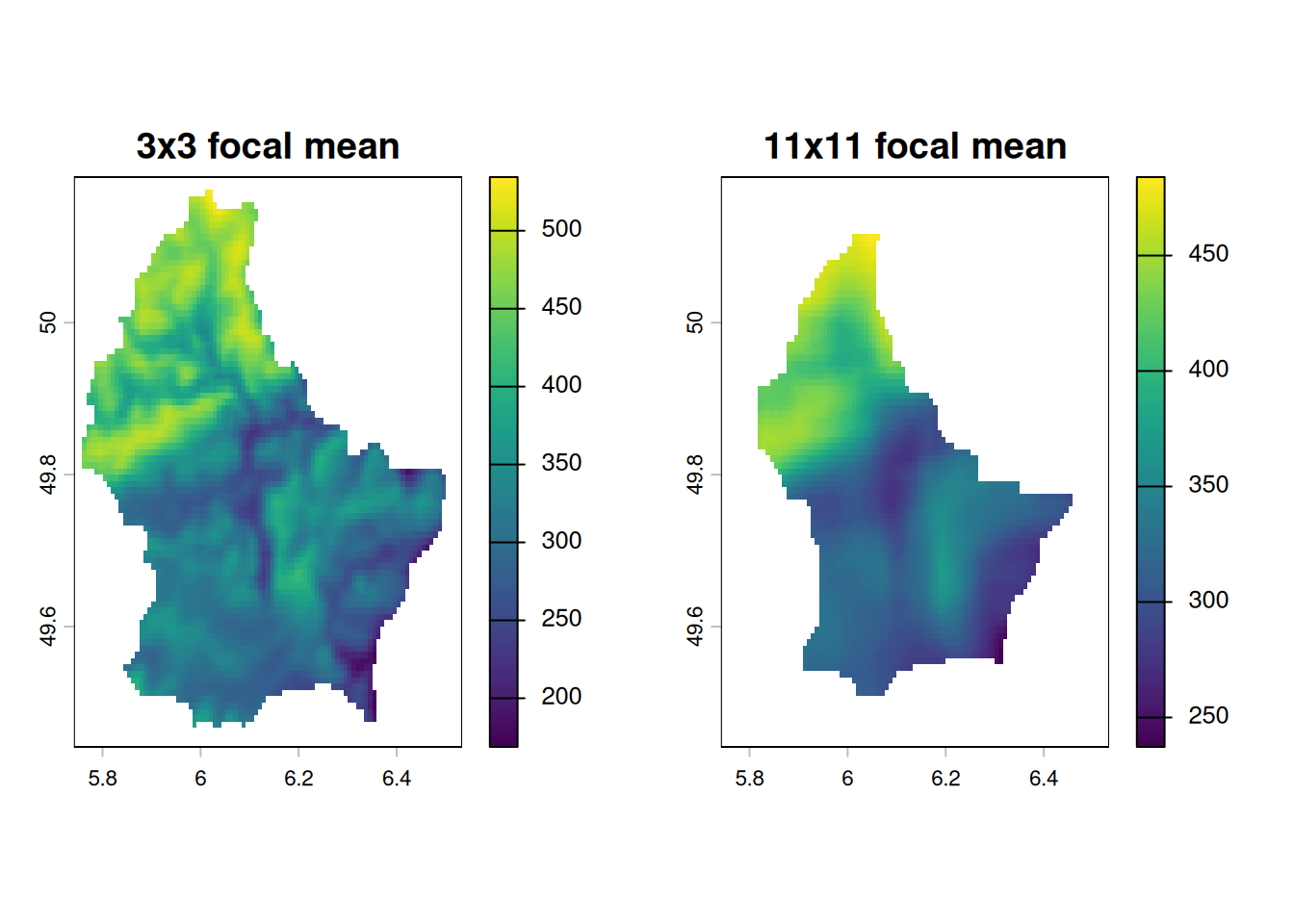
Task 8
Reproject the elevation raster to EPSG:2169 (Luxembourg national grid, units: metres) and resample to 1 km resolution. Then apply a circular focal filter with a 5 km radius using focalMat().
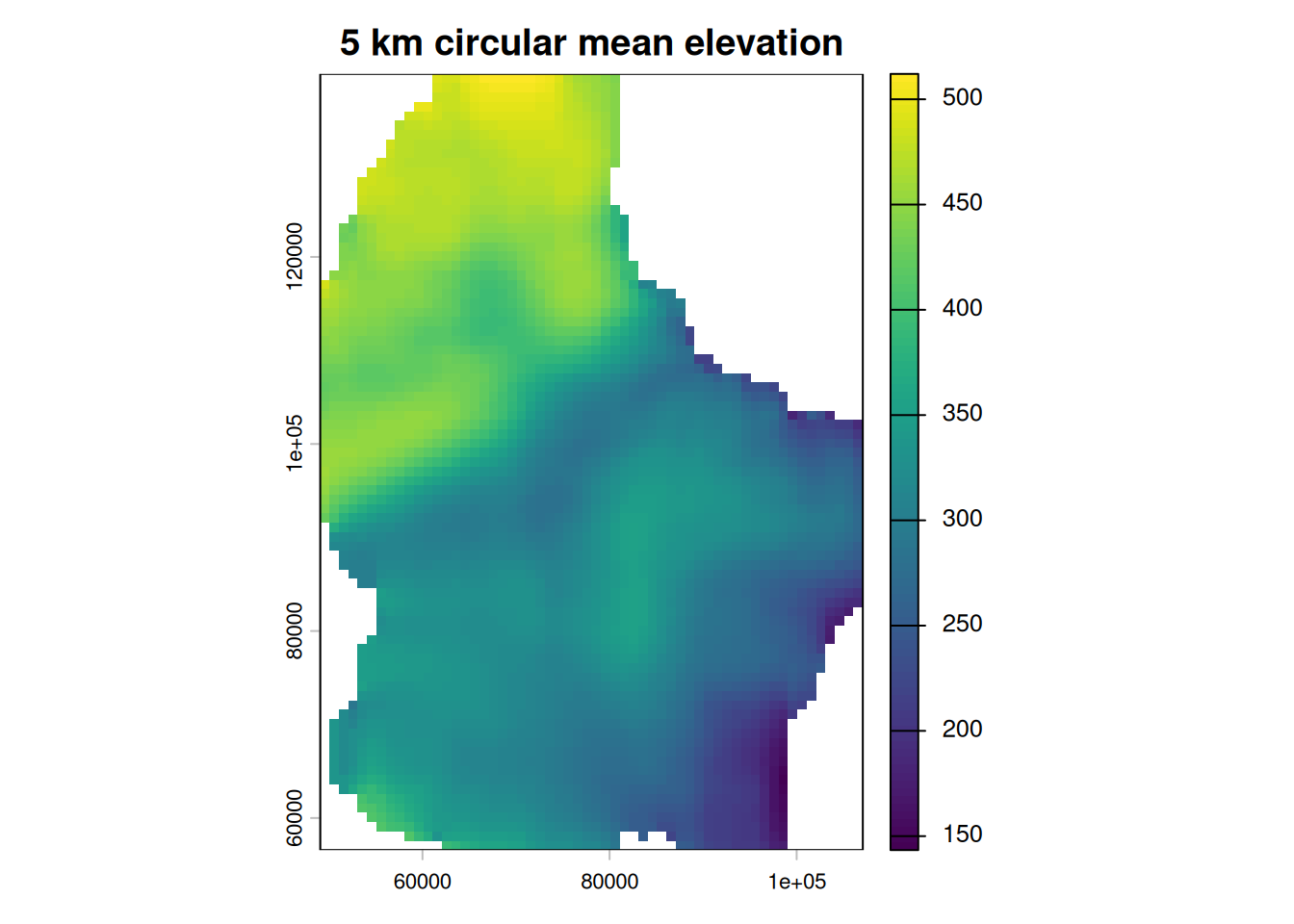
Task 9
Import the multispectral Landsat 7 image as a raster:
system.file("tif/L7_ETMs.tif", package = "stars")Task 10
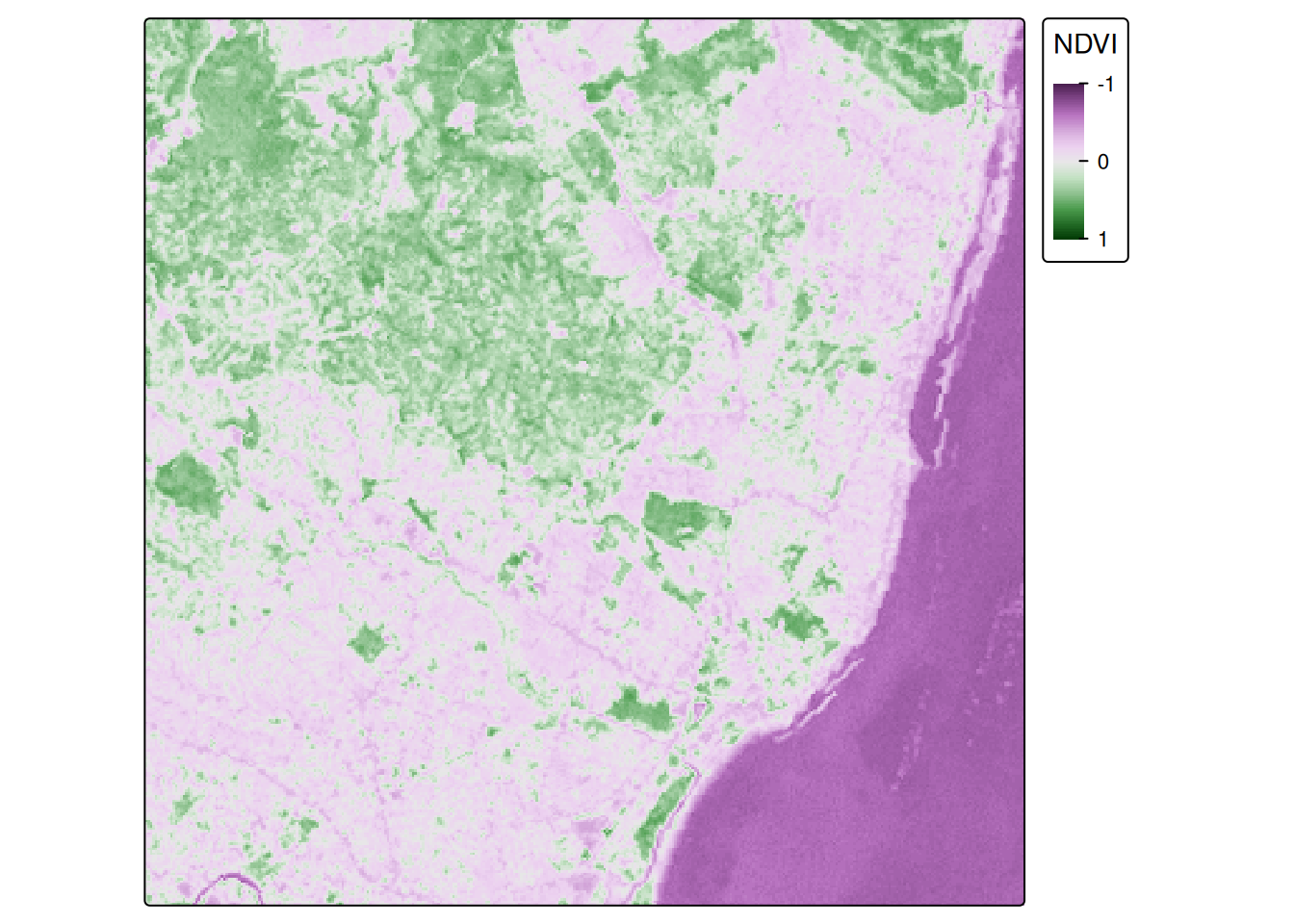
Calculate the NDVI using the formula below and visualize the result with a diverging color scale centered at 0.
\[\text{NDVI} = \frac{\text{NIR}-\text{red}}{\text{NIR}+\text{red}}\]